How to Do CR Checking Bahrain (Step-by-Step)
How to Do CR Checking Bahrain: A Complete Sijilat Verification Guide
In this guide, you will execute a complete commercial registration verification using Bahrain's Sijilat system, a process that takes approximately 5 to 10 minutes. The most frequent error individuals make in Bahrain is accepting a printed CR copy from a vendor or employer. Printed documents freeze a company's status in time, masking recent Ministry of Industry and Commerce (MOIC) suspensions, expired licenses, or Labor Market Regulatory Authority (LMRA) offenses.
By querying the live government database directly, you guarantee the entity you are dealing with is legally authorized to operate within the Kingdom. If you skip this verification, you risk signing contracts with unauthorized signatories or transferring funds to legally frozen entities, leaving you with zero legal recourse in Bahraini courts.
What You Need Before Starting: Sijilat Portal Prerequisites
Before opening the portal, gather the specific identifiers and credentials required to query the MOIC database. Attempting a search with incomplete data usually returns hundreds of false positives.
Required Business Identifiers: 6-Digit CR Number or Exact Legal Name
You need either the exact 6-digit CR number (e.g., 142536) or the exact legal company name. In practice, searching by trade name fails because many businesses register a generic legal name (e.g., "Al Dana Enterprises W.L.L.") but operate under a completely different storefront brand. Always ask your counterpart for their official CR number before initiating a cr checking bahrain process.
Bahrain eKey Requirements for Detailed Access vs. Public Search
You do not need an account to view basic company status, address, and activities. However, if you need to download official documents or view detailed historical violations, you must log in using a Basic eKey (CPR number and password). If you lack a Basic eKey, you must register for one at ekey.bh before proceeding to the document extraction phase.
Budgeting BD 1 to BD 5 for Official Commercial Extracts
Public searches are free, but obtaining legally binding proof requires purchasing an official Commercial Extract. Budget BD 1 for an Arabic extract or BD 2 for an English extract. Have your BenefitPay app ready or a valid debit/credit card, as the Sijilat payment gateway times out after 10 minutes of inactivity.

Step 1: Access the Sijilat System and Execute the Search
This phase involves navigating the official government portal to locate the specific business entity. Completing this step accurately prevents you from auditing the wrong company.
Step 1.1: Navigate to the Sijilat Portal
Open your web browser and navigate directly to www.sijilat.bh. Click the "Search CR" button located on the public homepage.
Expected outcome: The page will load a search grid with multiple filter fields, including CR No, Commercial Name, and Personal Number.
If this fails: If the site fails to load or times out—a frequent occurrence between 9:00 AM and 1:00 PM AST during peak government hours—clear your browser cache or open an incognito window before trying again.
Step 1.2: Input the CR Number Type the 6-digit CR number into the "CR No" field. Leave the "Branch No" field blank to pull up the entire corporate structure. Expected outcome: The system will display the search parameters you entered, highlighted in the input box.
Step 1.3: Execute the Query Click the blue "Search" button at the bottom of the filter menu. Expected outcome: A data grid will populate below the search filters, displaying one or more rows containing the company's legal name, CR number, and current status.
Step 2: Analyze the Initial CR Search Results
Once the grid populates, you must interpret the high-level data presented. This is where you determine if the company is legally allowed to conduct business today.
Differentiating the Main CR from Branch CRs
Look at the CR number format in the first column. The main company registration always ends in -1 (e.g., 12345-1), while subsequent branches end in -2, -3, and so on. When performing cr checking bahrain, you must verify the specific branch you are dealing with. A company can have an active Main CR (-1) while the specific retail branch (-3) you are contracting with is suspended.
Reading the Registration Date and Upcoming Expiry Deadlines
Locate the "Expiration Date" column. Bahraini CRs must be renewed annually. If the expiration date is less than 30 days away, the company may face imminent LMRA blocks, preventing them from renewing employee visas. Do not issue long-term advance payments to a company whose CR expires next week unless they provide proof of pending renewal.
Identifying the Company Type
Check the "Company Type" column to understand your liability exposure. A "W.L.L." (With Limited Liability) means the owners' personal assets are protected if the business defaults on your contract. An "Individual Establishment" means the owner is personally liable for all business debts. This distinction dictates whether you should require a personal guarantee from the owner before signing a high-value contract.
Step 3: Extract and Audit Detailed Company Information
Clicking on a specific row opens the detailed CR profile. This phase validates ownership, board members, and permitted commercial activities.
Step 3.1: Verify Authorized Signatories Click the "Authorized Signatories" tab within the CR profile. Compare the names listed here against the person signing your contract or purchase order. Expected outcome: You will see a table listing full names, CPR numbers, and authority levels (e.g., "Solely" or "Jointly"). If this fails: If the person signing your contract is not listed, or if the system requires "Joint" signatures but you only have one, halt the transaction. The contract will be legally void in Bahrain.
Step 3.2: Cross-Check ISIC4 Business Activities Click the "Activities" tab to view the registered ISIC4 codes. These codes dictate exactly what the company is legally permitted to sell or do. Expected outcome: A list of specific industry classifications (e.g., "Management Consultancy" or "Software Development") will appear.
When auditing activities, match them strictly against the proposed work. If a company is bidding on your construction project but their ISIC4 activity is limited to "Building Materials Trading," they cannot legally perform the physical installation. Hiring them risks site shutdowns by municipality inspectors.
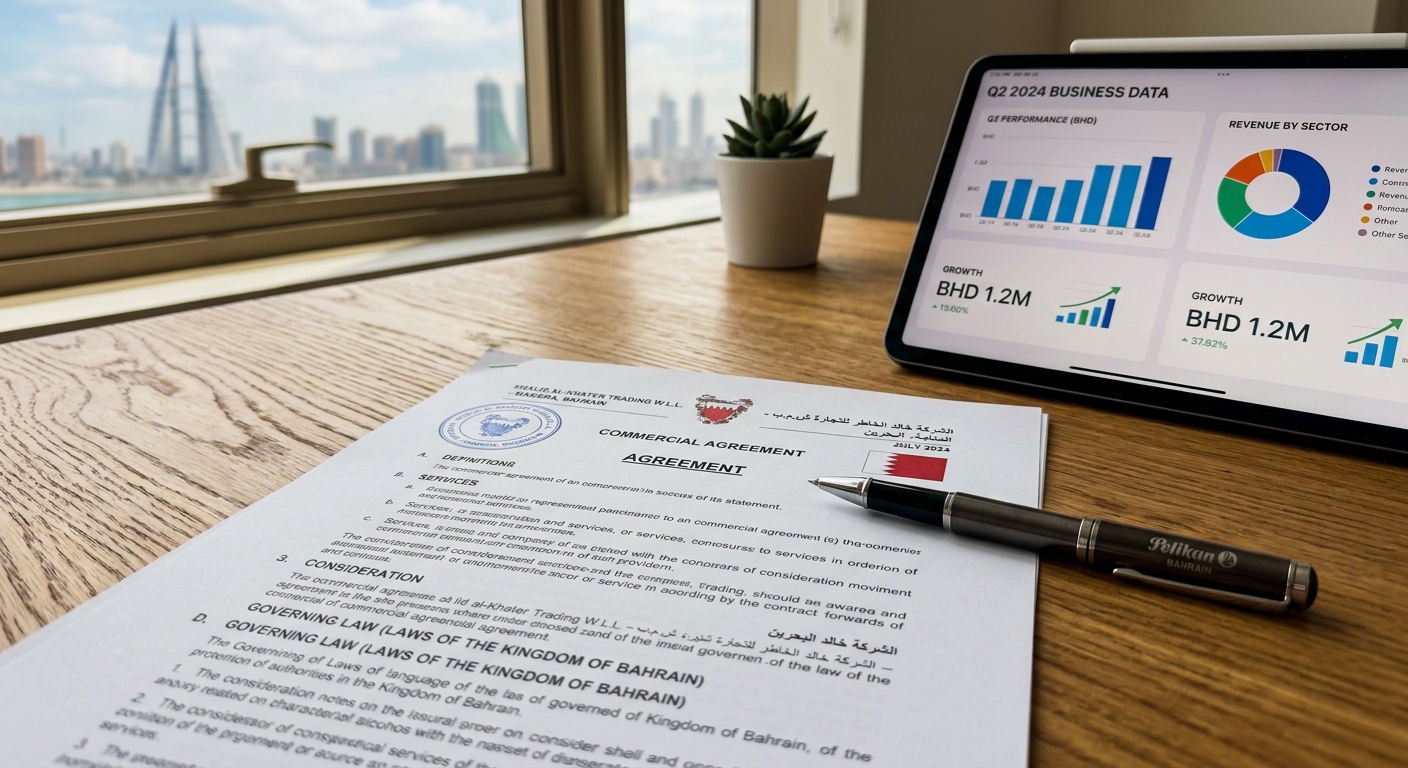
Step 3.3: Identify MOIC Violations or Regulatory Agency Blocks Look at the "Violations" or "Agency Approvals" tabs. A common surprise is finding a company with an "Active" status but pending blocks from the Ministry of Health or Civil Defense. If a restaurant has an active CR but a rejected Civil Defense approval, they cannot legally operate their kitchen.
Common Mistakes That Cause Verification Failure
Even experienced professionals misread Sijilat data. Understanding these failure modes prevents you from trusting invalid companies.
Misinterpreting 'Active Without License' as Fully Operational
The most dangerous status in the Sijilat system is "Active Without License". This means the company exists on paper and has paid its MOIC fees, but it lacks the municipal or sector-specific approvals required to actually operate. An "Active Without License" entity cannot legally issue commercial invoices, hire expatriate staff through LMRA, or open a corporate bank account. Treat this status as non-operational.
Searching Unregistered Trade Names Instead of the Legal MOIC Name
Typing "Bahrain Tech" into the commercial name search will likely yield zero results, leading users to falsely assume the company is illegitimate. In reality, their legal MOIC name might be "Al Dana IT Solutions W.L.L." Always insist on the 6-digit CR number for your cr checking bahrain routine to bypass naming discrepancies entirely.
Ignoring Expired Branch CRs When the Main Company CR is Active
People often check the main -1 CR, see it is active, and sign the contract. However, if the contract is explicitly with branch -4 (a specific warehouse or retail outlet), and branch -4 is expired, the contract is invalid. Always verify the exact branch number printed on the vendor's letterhead.
How to Know It Worked: Validating the Output
The final phase ensures the data you gathered is accurate, legally binding, and verifiable by third parties in the event of a dispute.
Step 4.1: Log in and Select Extract Type Log into Sijilat using your Basic eKey. Navigate to the "Commercial Extract" service. Warning: Once you pay the MOIC fee, it is non-refundable. Verify you have selected the correct CR branch before proceeding to the payment gateway. Expected outcome: The system will prompt you to choose between an Arabic (BD 1) or English (BD 2) extract.
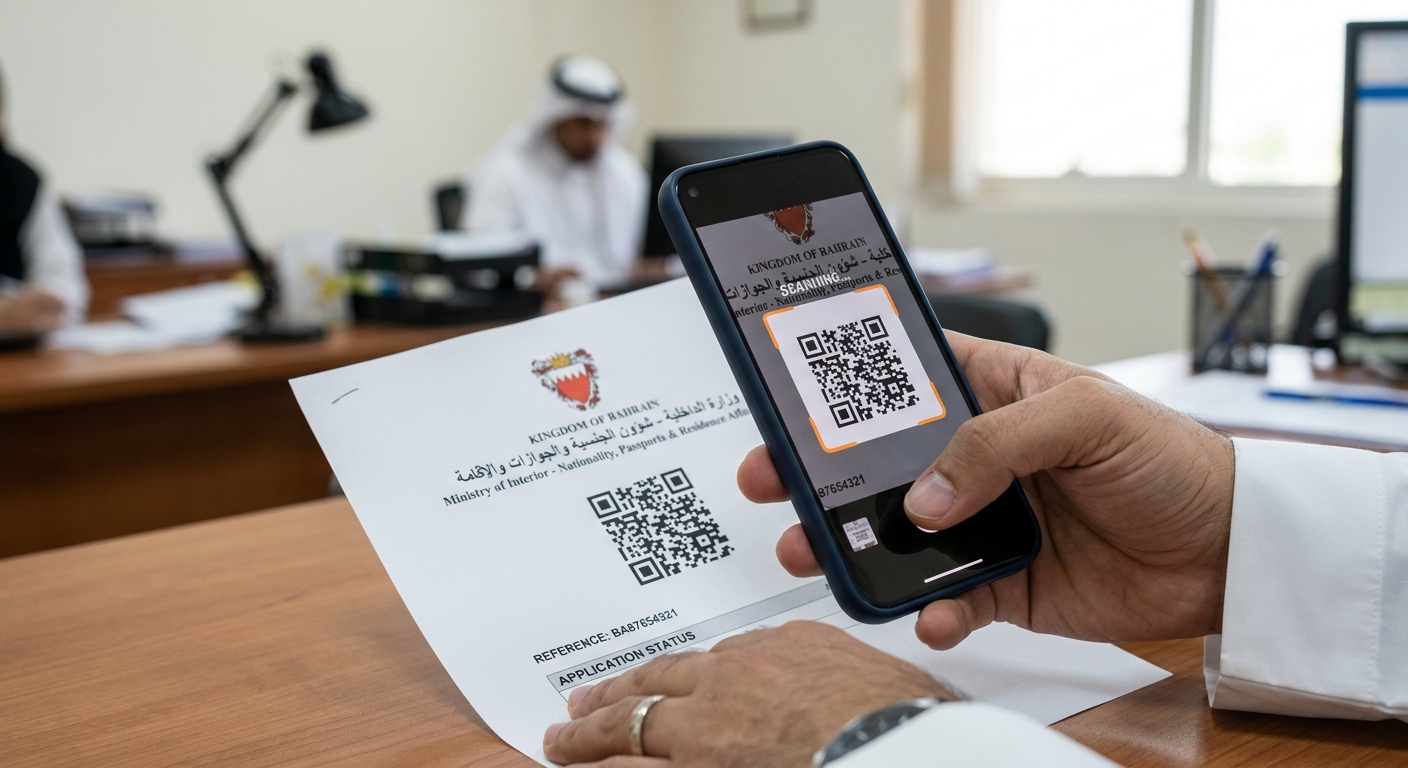
Step 4.2: Process the Payment and Download Select your preferred language and complete the payment using BenefitPay or a card. Expected outcome: A PDF document will generate and download to your device. You should see a distinct QR code printed in the top right corner of the document. If this fails: If the payment deducts but the PDF fails to generate, check the "My Applications" tab in your Sijilat dashboard to download the receipt and document.
Step 4.3: Scan the Document QR Code Open the Bahrain Tawasul App or a standard smartphone camera and scan the QR code on the printed extract. Expected outcome: The scan will direct you to a secure government URL verifying that the printed document matches the live database. This proves the document has not been digitally altered.
Step 4.4: Match Sijilat Data to the Physical CPR Request a physical copy of the business owner's or authorized signatory's CPR card. Compare the CPR number on the physical card to the CPR number listed in the Sijilat authorized signatories table. If they do not match exactly, the individual does not hold the legal authority they claim.
Conclusion
To summarize, executing a thorough cr checking bahrain requires inputting the entity's exact details into the Sijilat portal, auditing the specific branch status, and confirming the authorized signatories against the provided CPR numbers. If the system returns an "Active Without License" status, shows expired branches, or lists different signatories than your contract, halt all commercial transactions immediately and request written clarification from the business owner. Your logical next step is to download the official QR-coded extract, print it, and attach it to your pending contracts, vendor agreements, or employment files as permanent proof of your due diligence.